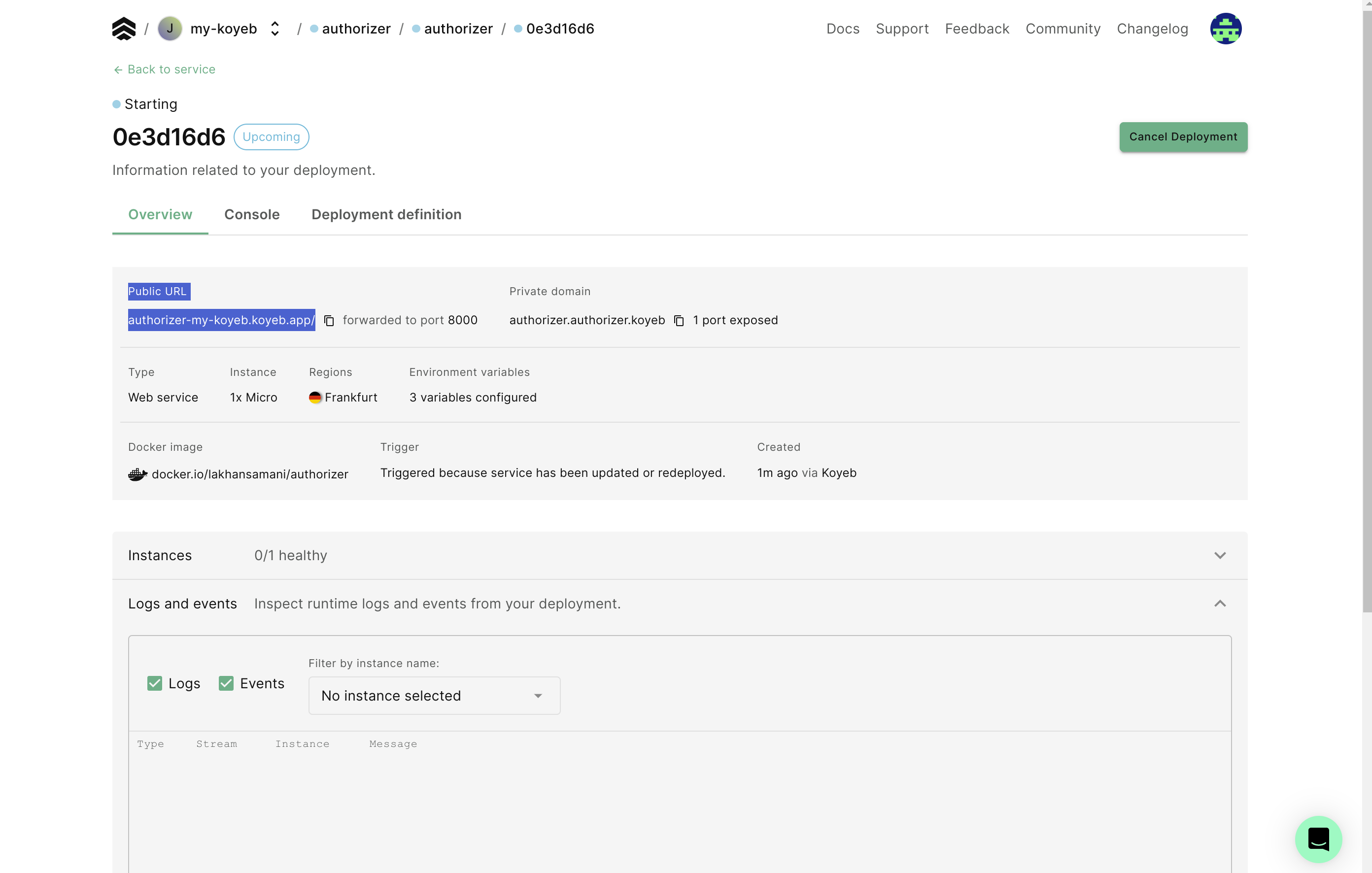
Deploy on Koyeb
Introduction
Koyeb is a developer-friendly serverless platform to deploy apps globally with native autoscaling, a global edge network, and built-in service mesh.
Requirements
- A Koyeb account
- A PostgreSQL database (providers like Neon and Aiven offer free tiers)
Deploy an Authorizer Instance

Step 1: Enter application details
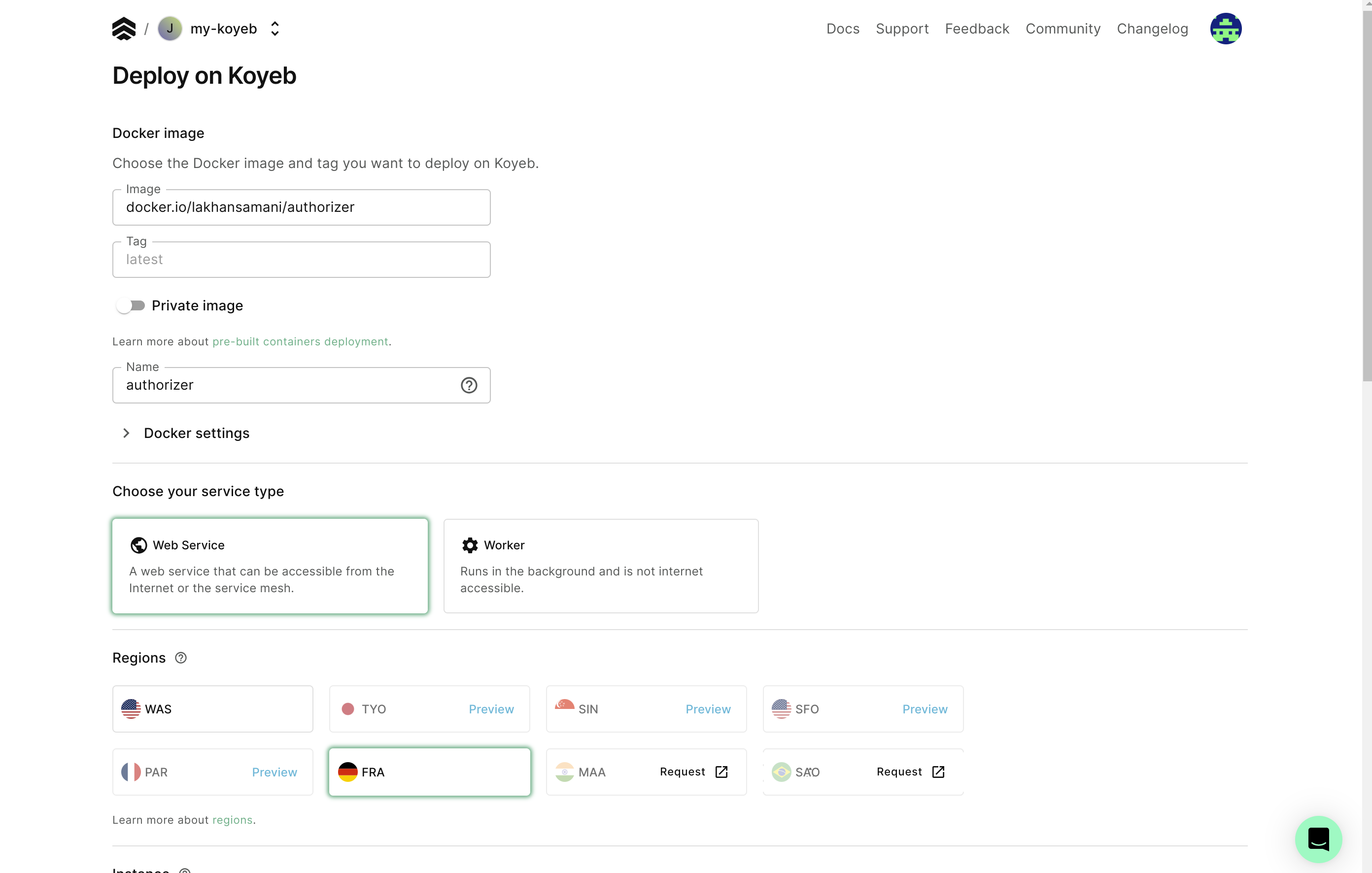
Choose the configuration for your deployment:
- Name: Service name in Koyeb
- Region: Deployment region
- Instance: Instance size
- Scaling: Number of instances
Step 2: Configure the database URL
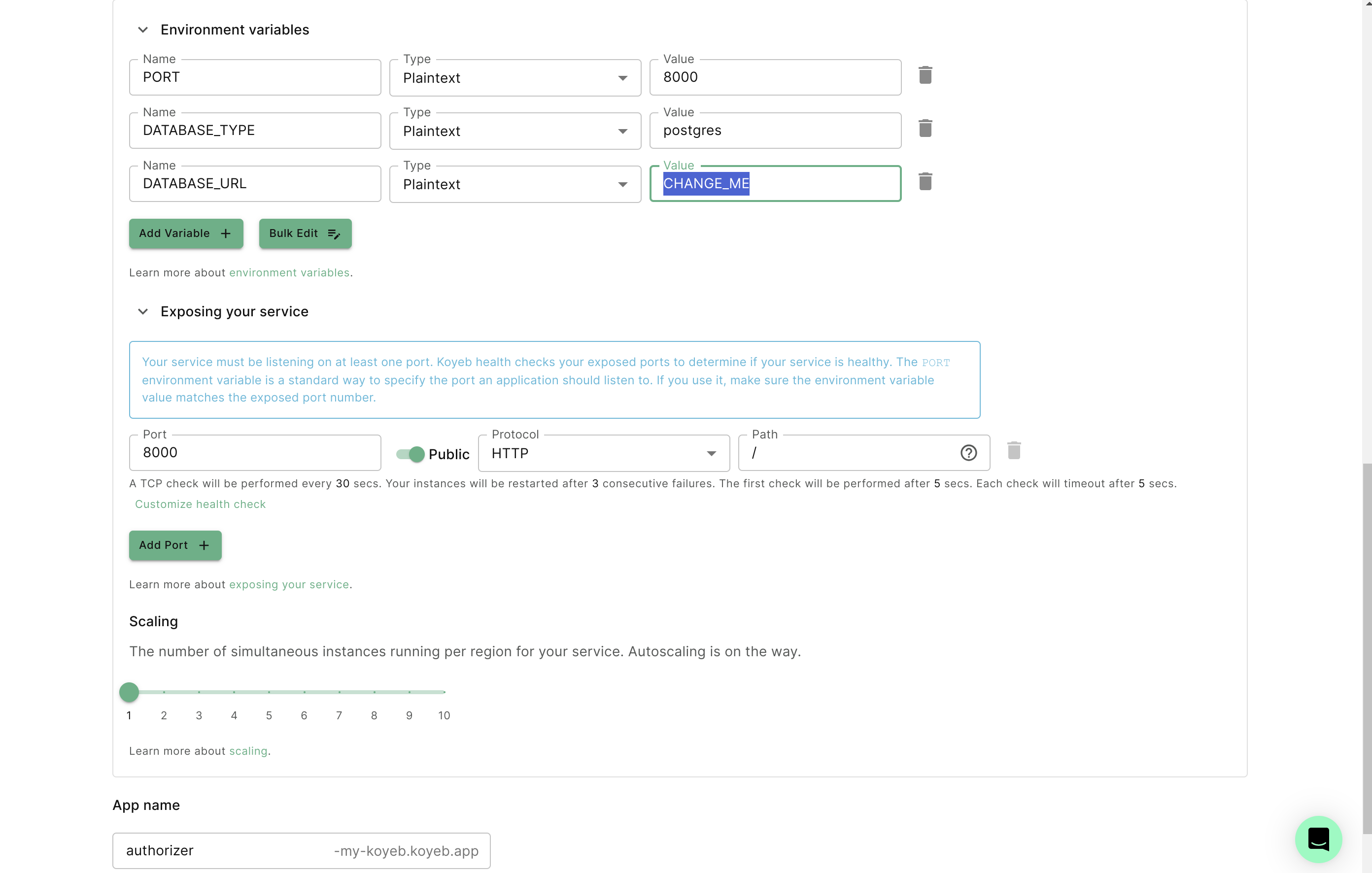
In the Environment variables section, set the DATABASE_URL to your PostgreSQL connection string.
Step 3: Configure v2 required variables
Add the following environment variables:
| Variable | Example Value |
|---|---|
DATABASE_TYPE | postgres |
DATABASE_URL | postgres://user:pass@host:5432/db |
JWT_TYPE | HS256 |
JWT_SECRET | test |
ENCRYPTION_KEY | (generate once with openssl rand -hex 32) |
ADMIN_SECRET | admin |
CLIENT_ID | 123456 |
CLIENT_SECRET | secret |
AUTHORIZER_URL | https://your-app.koyeb.app (your public Koyeb URL) |
Update the start command to pass CLI flags:
./authorizer \
  --database-type=$DATABASE_TYPE \
  --database-url=$DATABASE_URL \
  --url=$AUTHORIZER_URL \
  --jwt-type=$JWT_TYPE \
  --jwt-secret=$JWT_SECRET \
  --encryption-key=$ENCRYPTION_KEY \
  --admin-secret=$ADMIN_SECRET \
  --client-id=$CLIENT_ID \
  --client-secret=$CLIENT_SECRET